Cemantica Insights
Modernizing an acquired product while preserving a familiar experience.

A new look for an acquired product
After Cemantica acquired Luminoso, its analytics software became Cemantica Insights. Its active users knew the system well and didn't want major changes.
I redesigned the UI in Cemantica's visual language, built a components and foundations kit, and used AI tools throughout. The challenge was to improve the interface while respecting existing habits.
My contribution
- Design system
- UI redesign
- Design review
- Figma design
- Developer handoff
Tools
- Claude Design Design system and UI
- Stitch Quick demos and ideas
- Figma Team files and handoff
- Figma agent Variables and component states



System foundations
- Ant Design Components
- Tailwind CSS Color palette


Change with continuity
Luminoso came with an older UI and an established user base. Bringing the product into Cemantica required a visual update, but familiar ways of working were an important constraint.
I created a components and foundations kit based on the same components and colors already used across Cemantica, and applied it with targeted interface improvements. The kit gave Insights a consistent look without asking existing users to relearn the product.

The Luminoso projects list.
After
The Cemantica projects page, with status tags, search, and sorting.

The Luminoso project highlights.
After
The same highlights in Cemantica styling, with tabs for related views.
Aligning with Luminoso's CSM
I held two design meetings with Luminoso's Customer Success Manager (CSM) to ground the redesign in the existing product and its priorities.
Understand the product, propose a direction
I focused on understanding the important areas of the product and presented an initial design concept centered on colors and Cemantica's existing components. This gave us a concrete direction to discuss while keeping the scope focused on the visual update.
Present the requested pages
I presented the designed pages based on her requests. These conversations connected the design work to input from someone on the acquired company's team who knew the product.


Targeted navigation improvements
One example was using tabs for navigation instead of adding more buttons to the sidebar. This gave related views a navigation pattern of their own while limiting additions to the sidebar.

That decision reflects the approach across the project: preserve the existing experience where familiarity mattered, and refine individual patterns where a focused change could improve the UI.
Building the visual foundation
I used Claude Design to create a components and foundations kit in Cemantica's style, based on Ant Design components and Tailwind colors. It provided a shared foundation for applying the redesign across the product.
The exported foundations document brings together semantic colors, Manrope typography, spacing, corner radius, and elevation. These reusable decisions connected individual screen designs to a common visual language.
primaryfgfg-mutedfg-subtlebgbg-subtlebg-mutedborderborder-strongsuccesswarningdanger
48Display36Heading 130Heading 224Heading 320Heading 418Large body16Body large14Body, the quick brown fox13Small text12CAPTION
481216202432404864
xs2pxsm4pxmd6pxlg8pxxl12px2xl16pxfull∞
shadow-xsshadow-smshadow-mdshadow-lgshadow-xl
Every component, one system
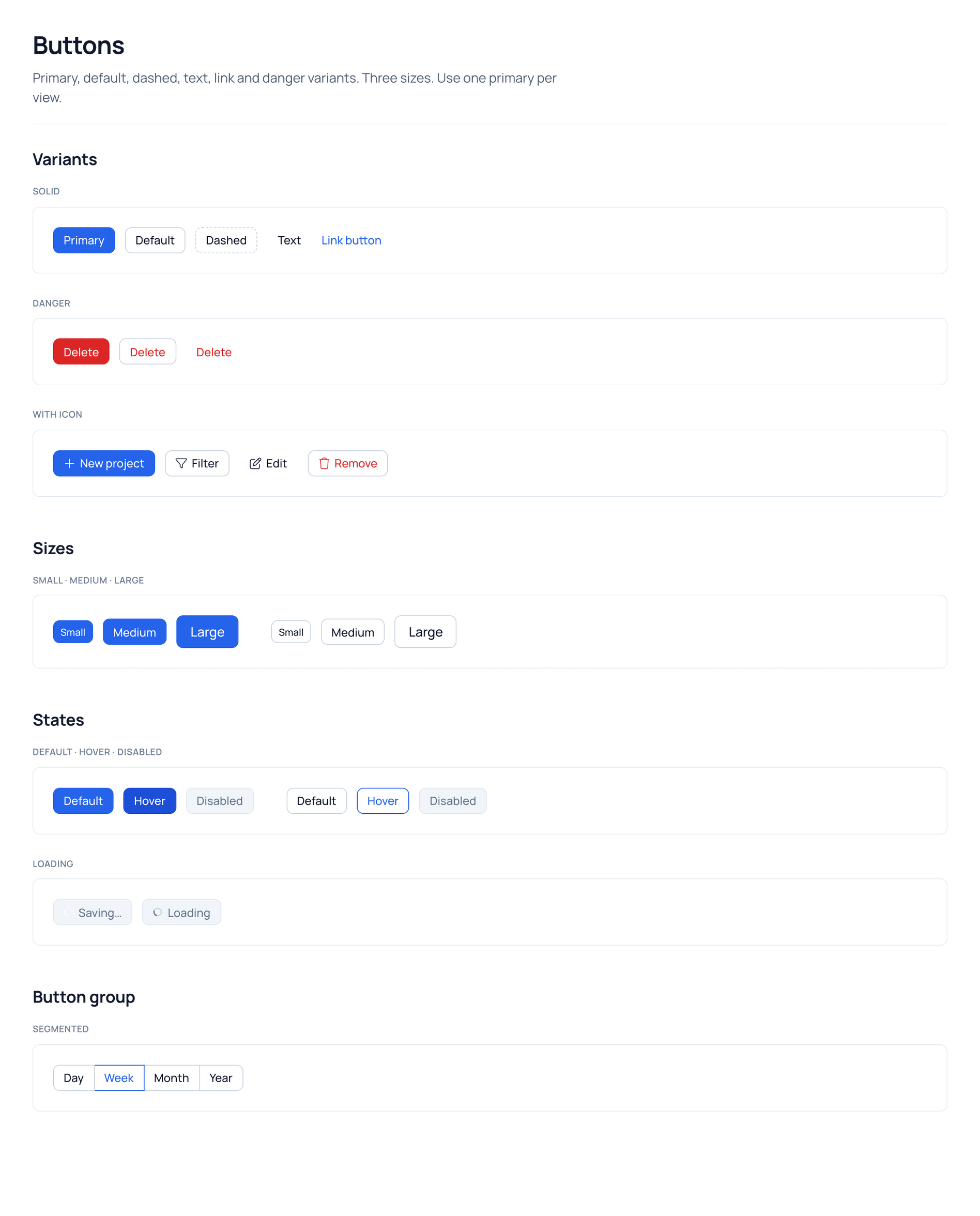
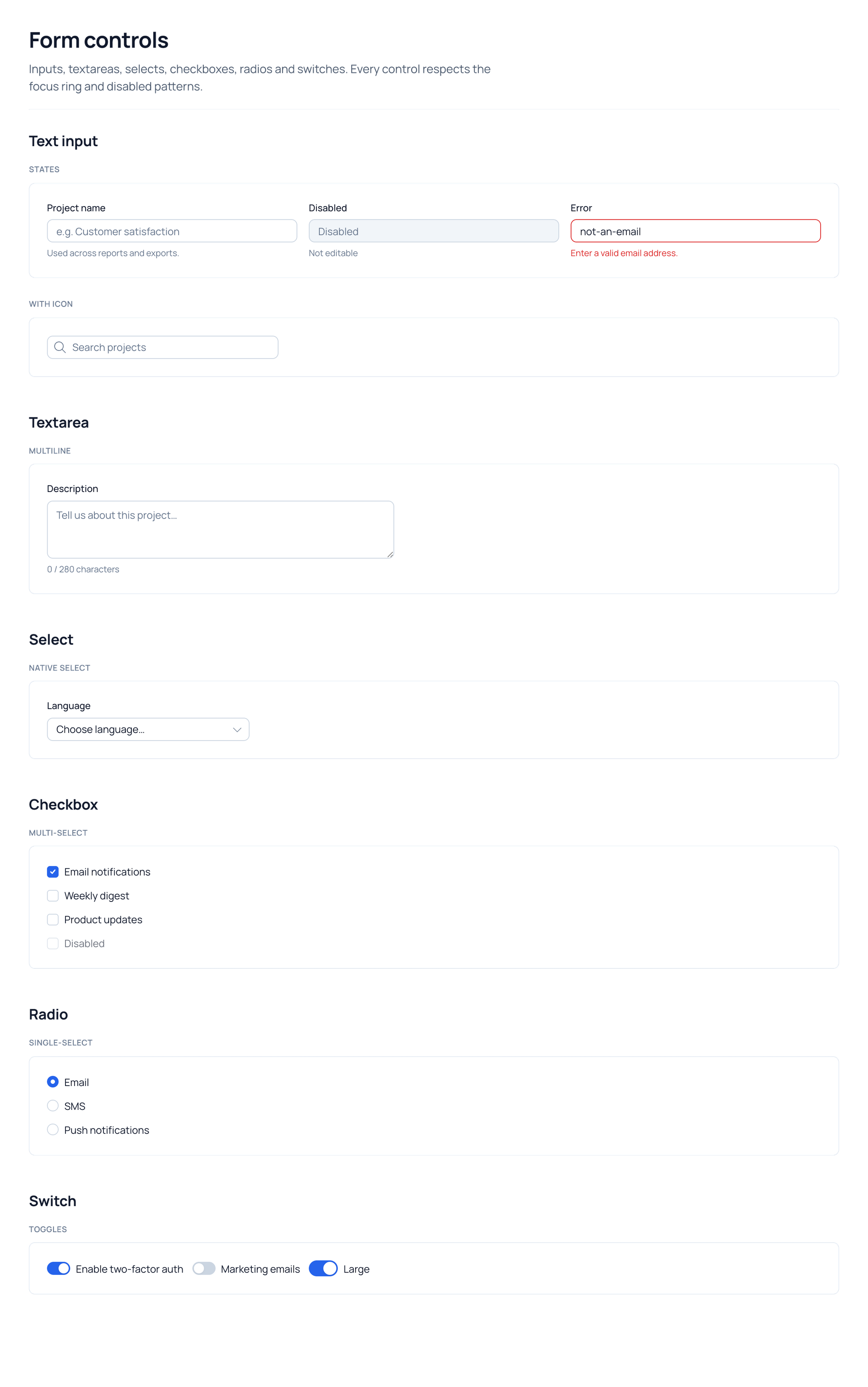
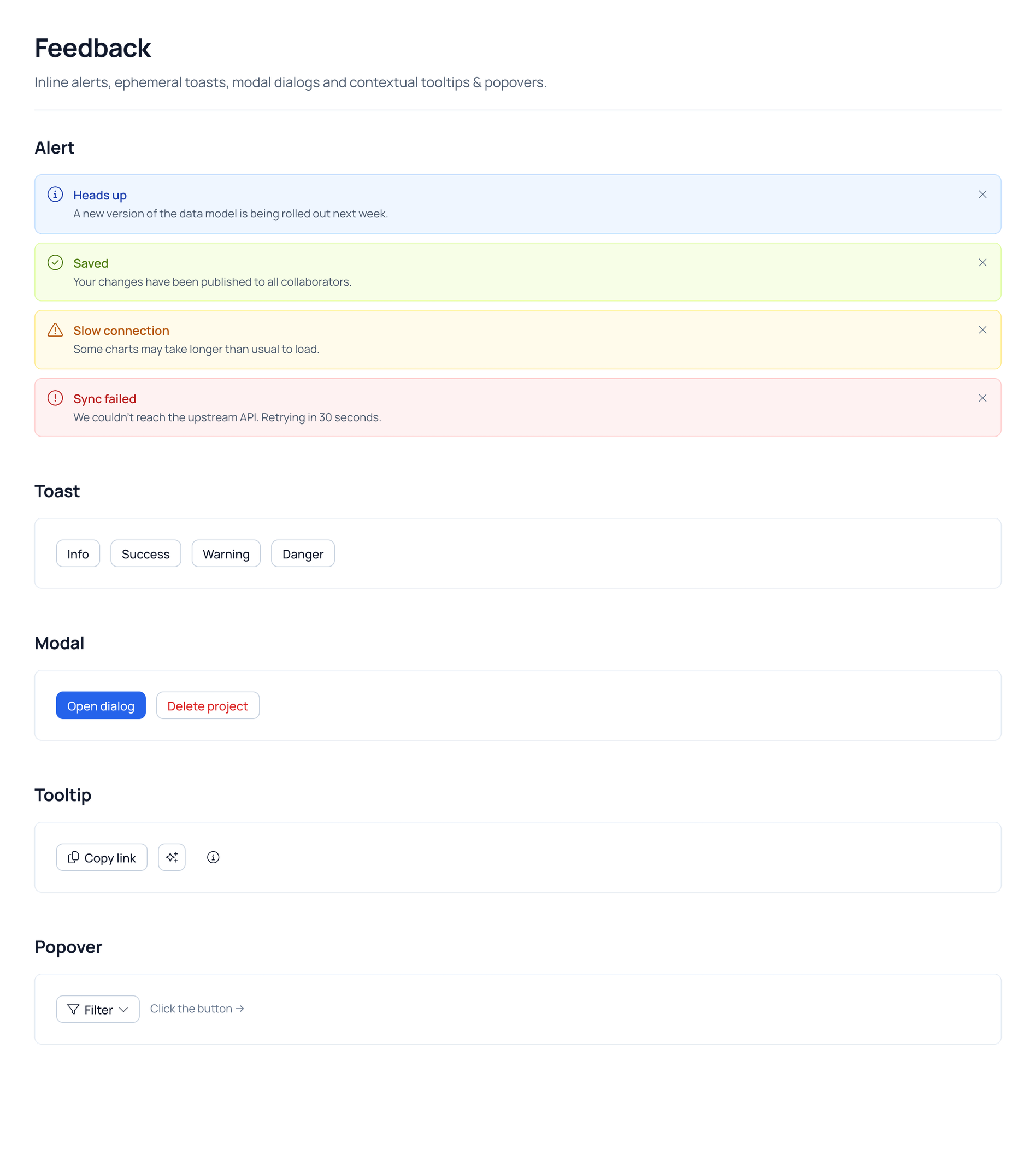
The kit covers the components Insights needs day to day, built on Ant Design components and Tailwind colors in Cemantica's style. Each page documents variants, sizes and states.
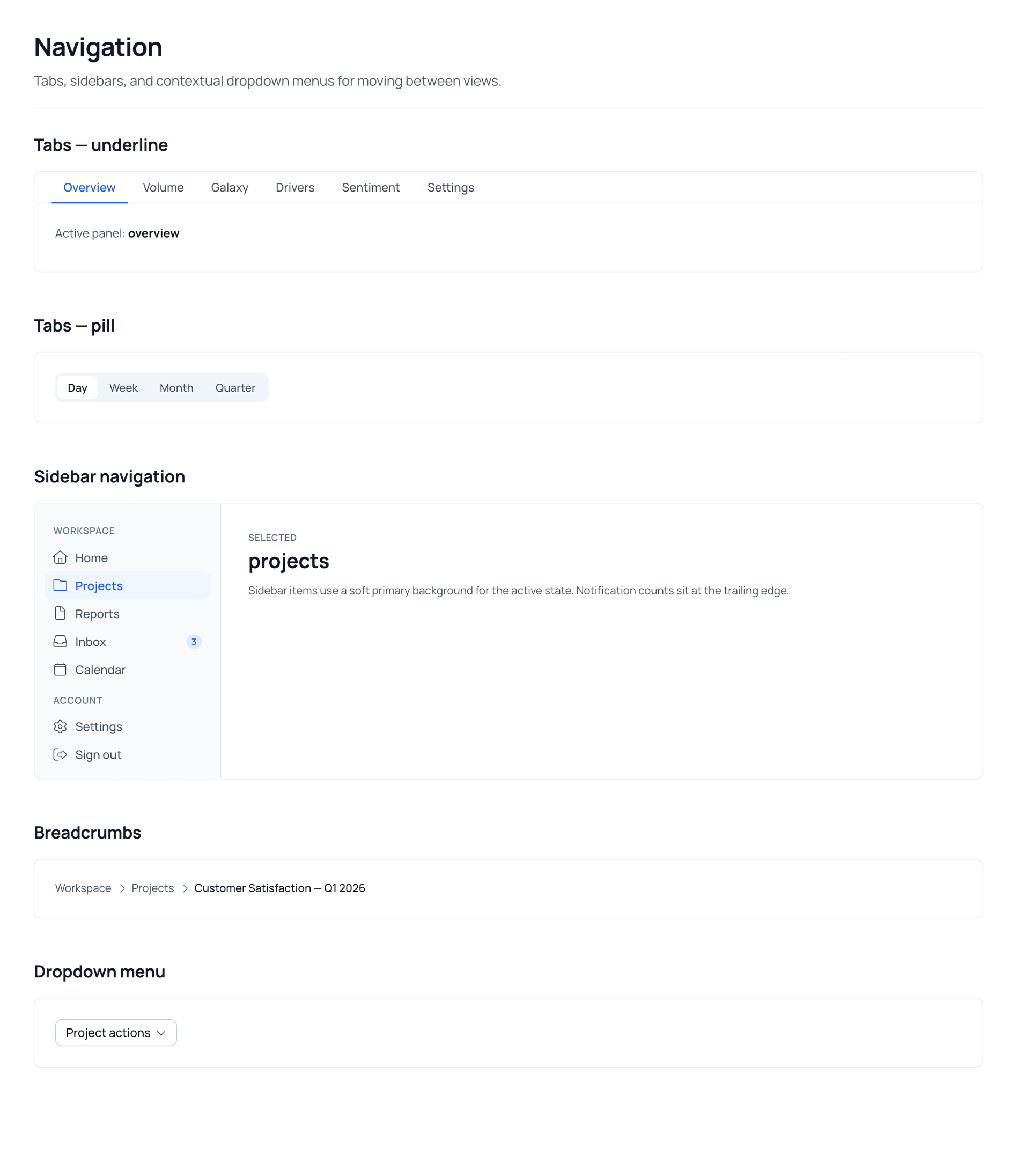
Insights hub, redesigned
Each view keeps its familiar content and workflow. The redesign focused on clarity, more room for the data, and a canvas users can make their own.


I handed off the designs from Claude Design together with the Figma files, for the development team to implement using the Claude Code extension in Visual Studio Code.
More case studies
KPI Tracking Feature
A scalable KPI system that helps teams connect business metrics, NPS, satisfaction scores, and financial impact directly to the journey stages.
View case study →
Persona Management Feature
Redesigning an existing feature to balance customer documentation with product presentation.
View case study →